
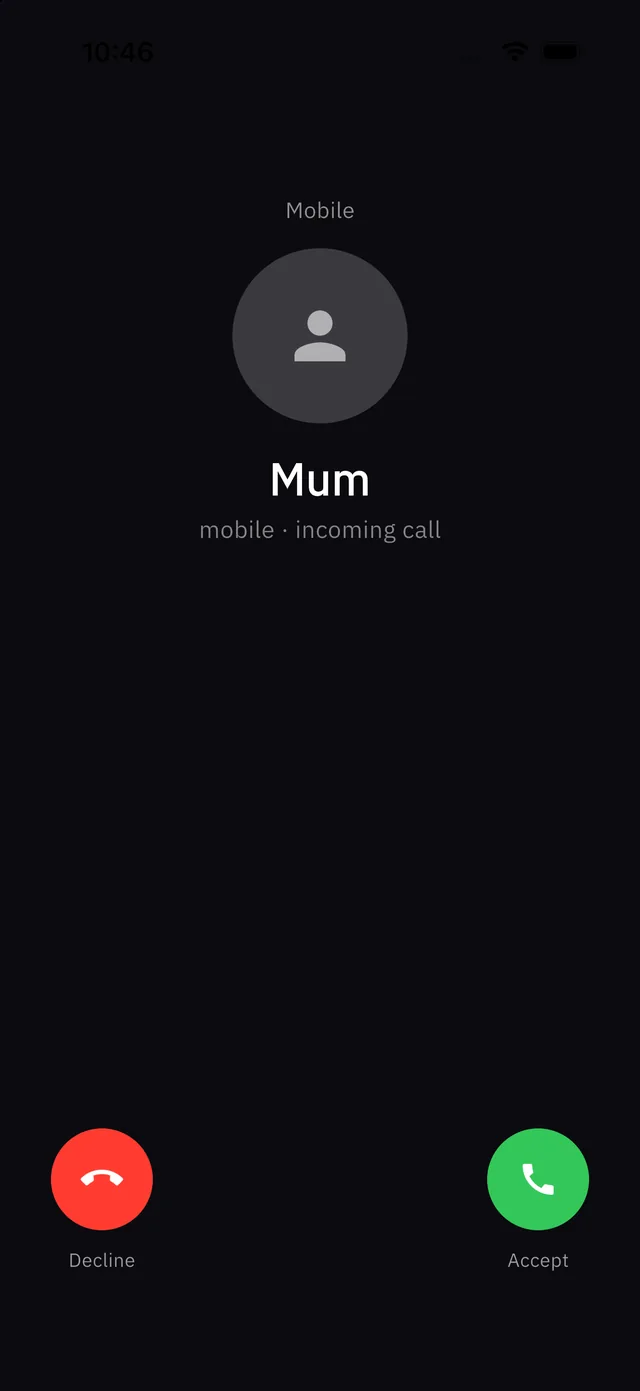
Fake call makes your phone ring like a real incoming call, so you can excuse yourself without explaining why. It works entirely on your device: nothing is sent to anyone.
How to use it
- On Home, tap Fake call ("Simulate an incoming call").
- Your phone rings with a looping ringtone and vibration, even if it is on silent.
- Tap Accept to show a live in-call screen with a running timer, or Decline to stop it.
Who is calling?
The caller shows as the name of your first emergency contact. If you have not added one, it shows as "Mum". Adding a contact makes the call more believable.
It is a decoy, not a safety alert. Fake call does not notify campus security or anyone else. If you are in danger, send an SOS.